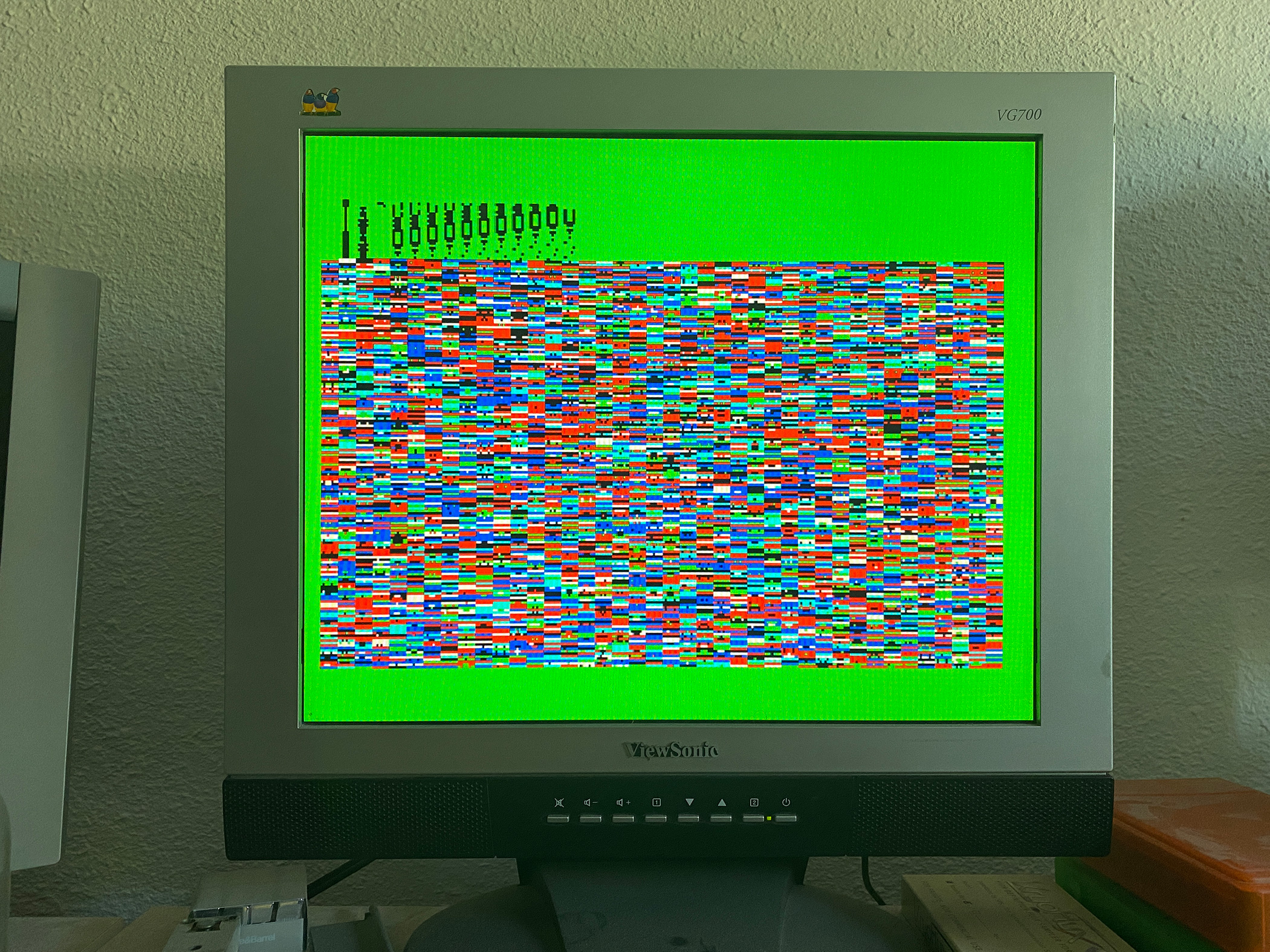
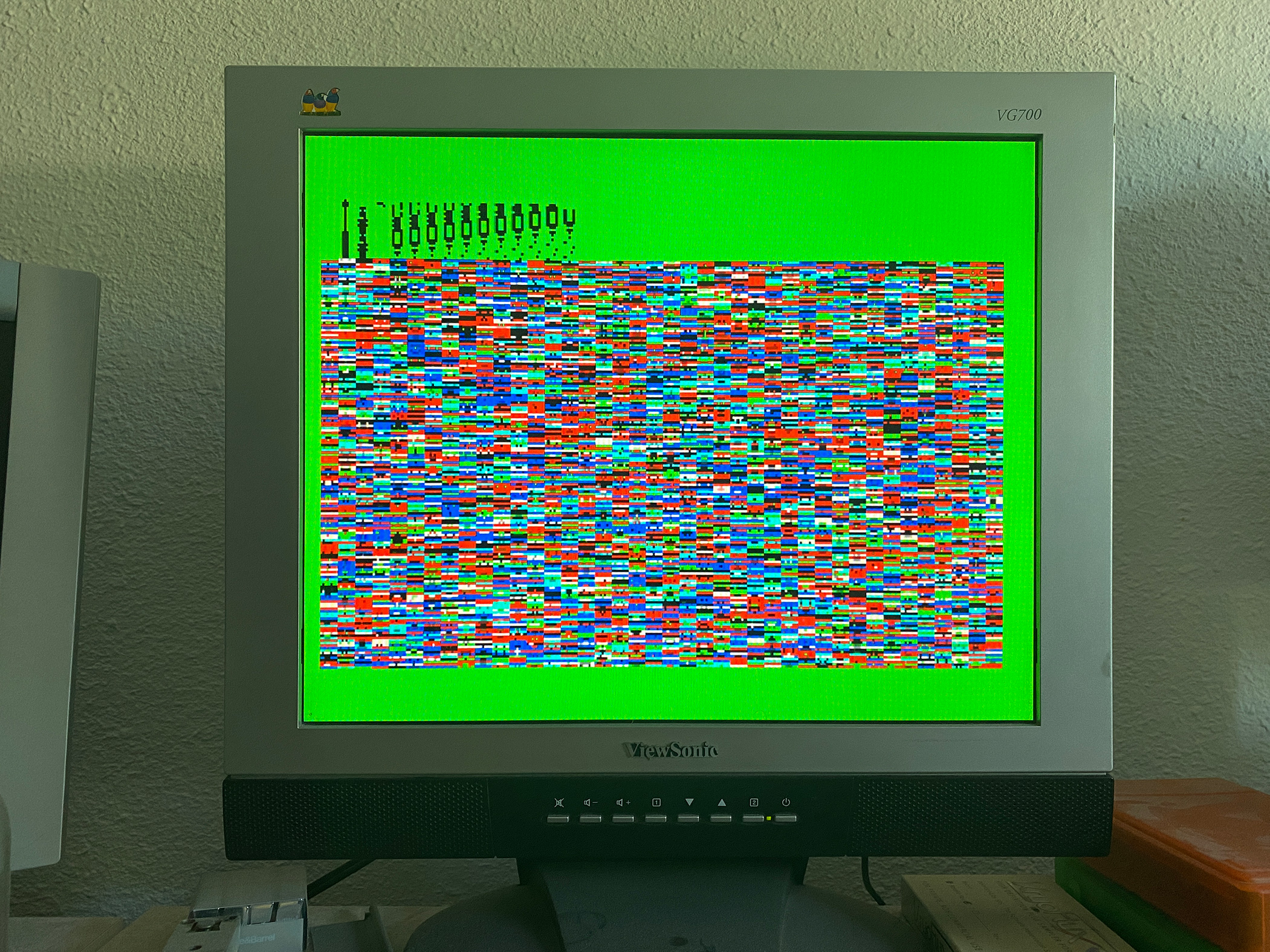
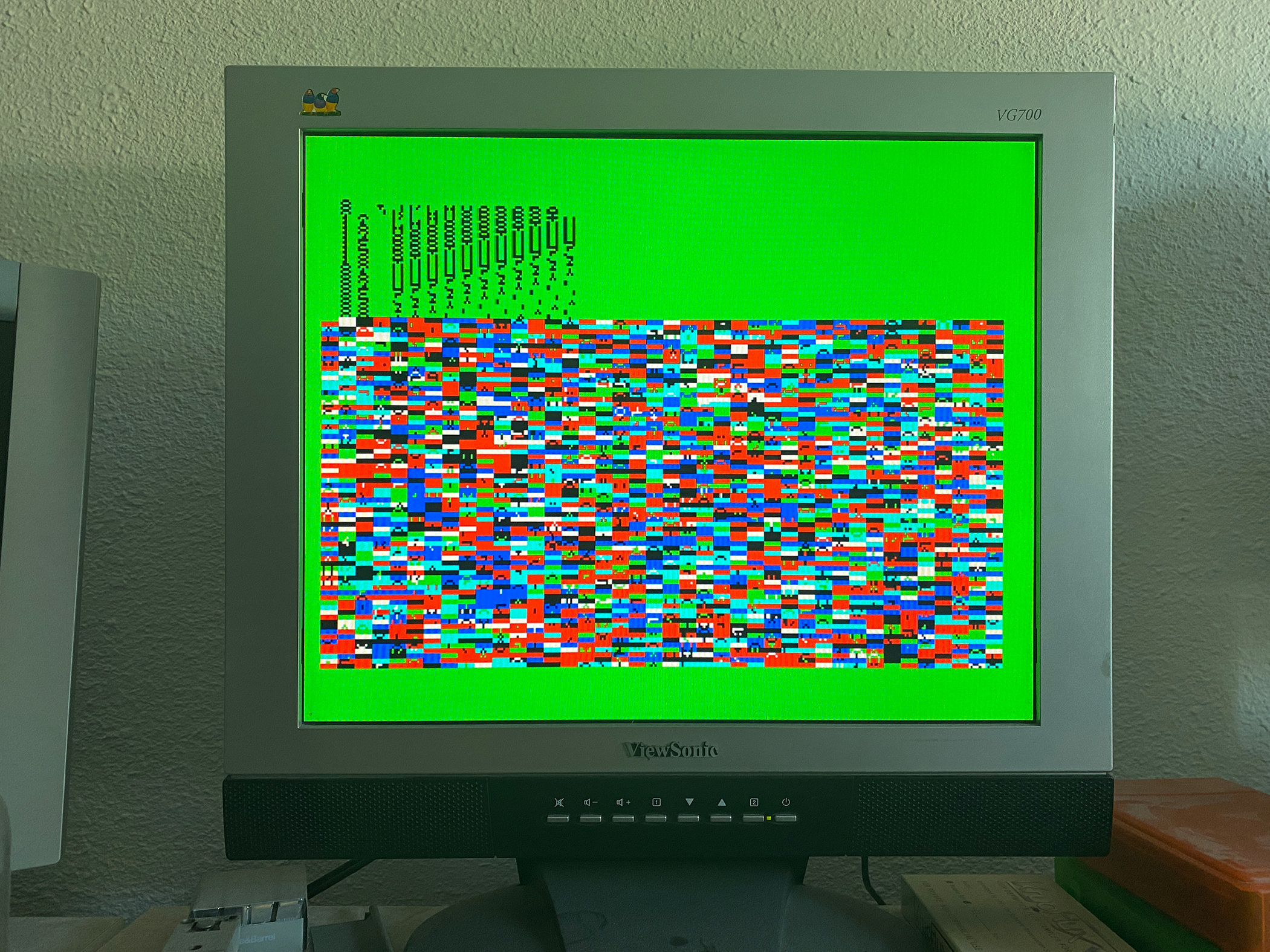
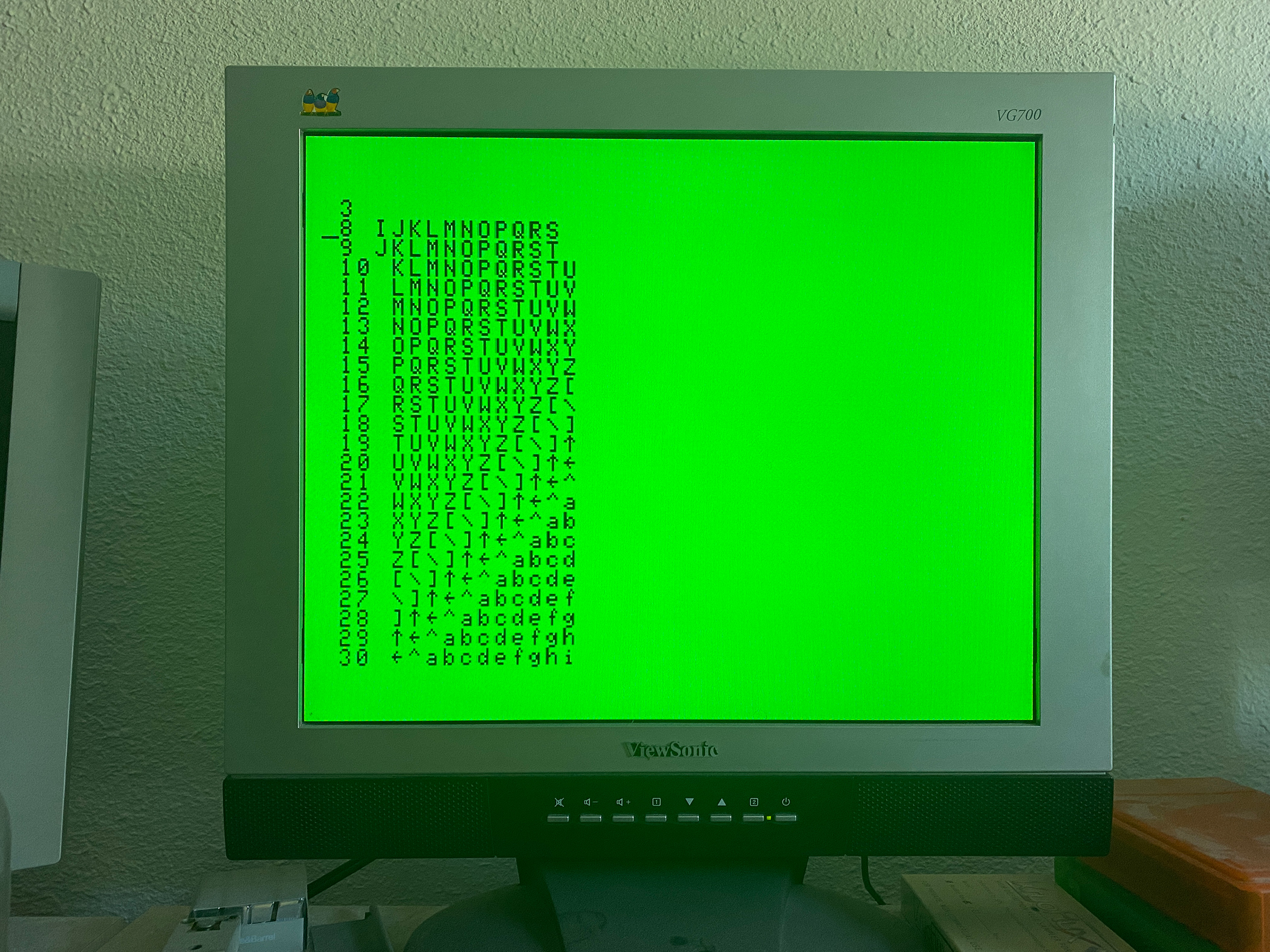
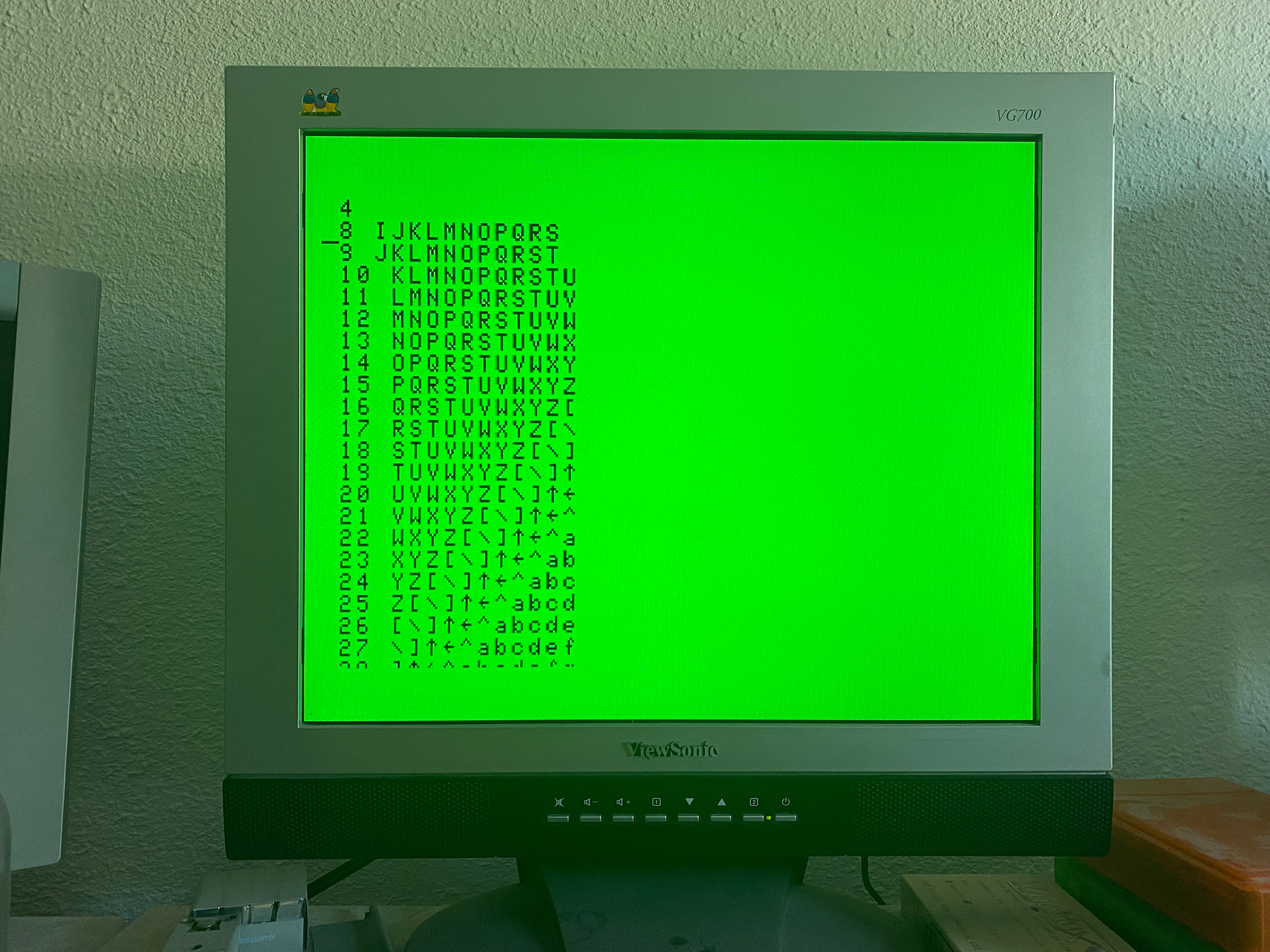
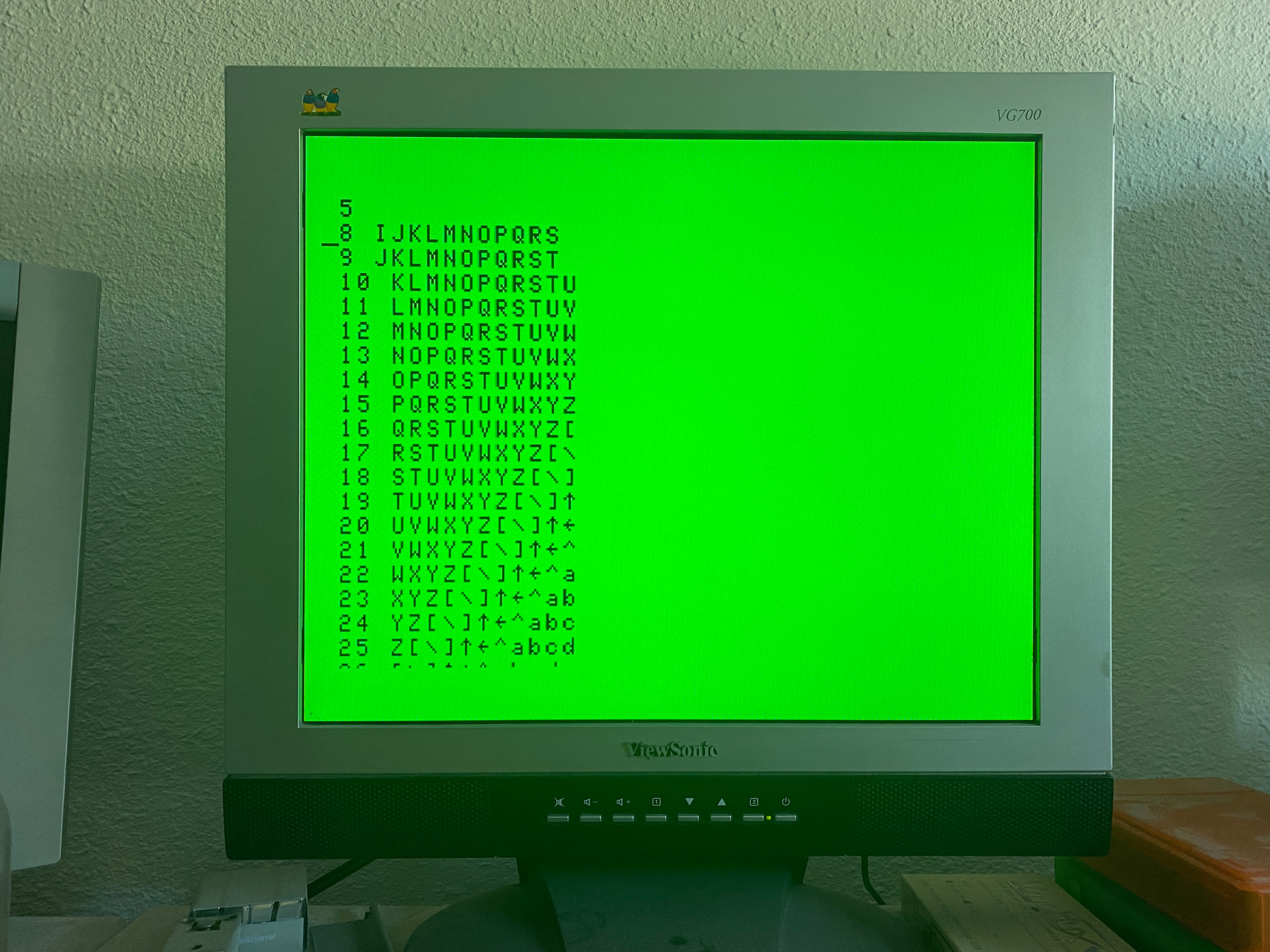
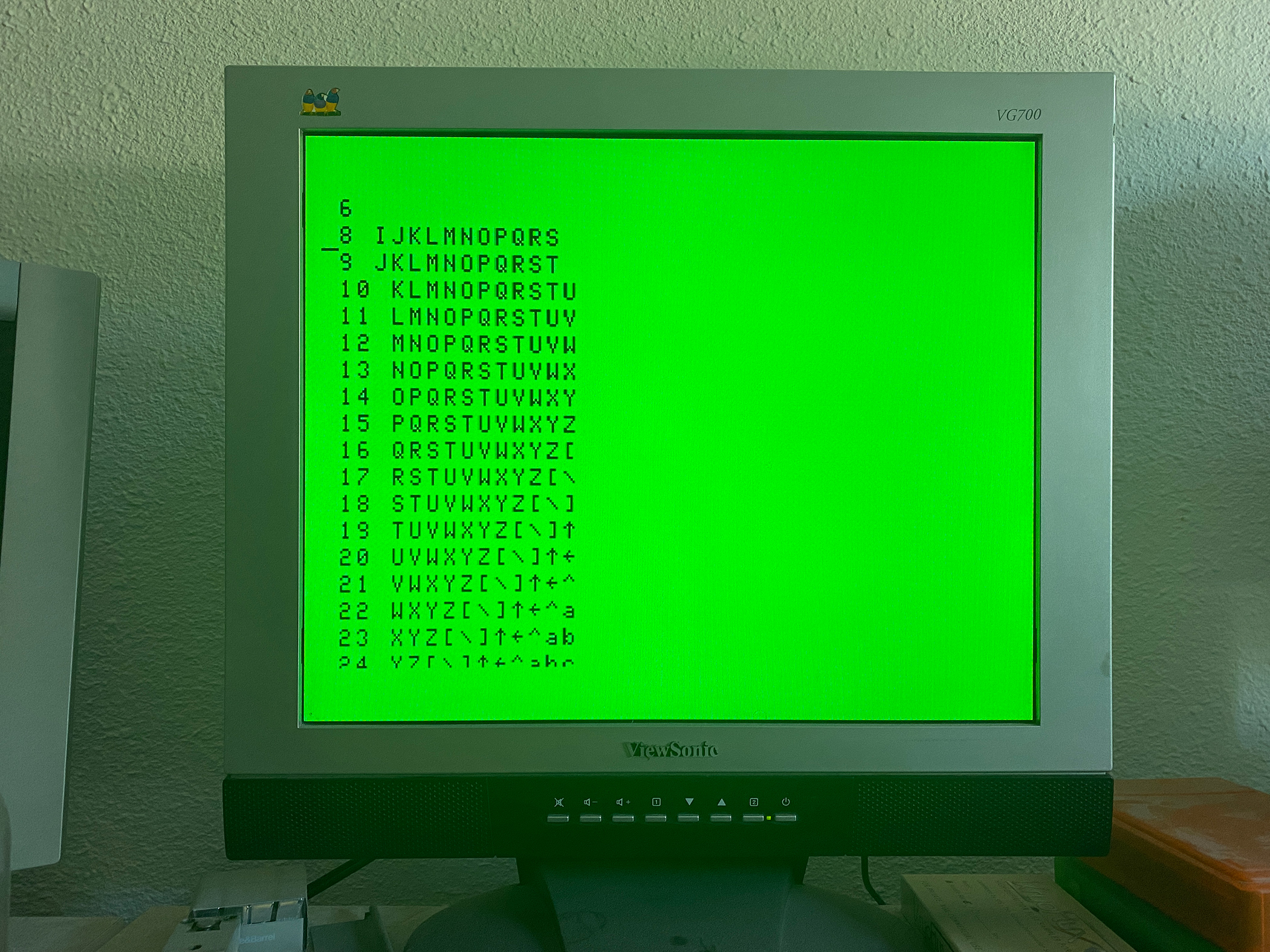
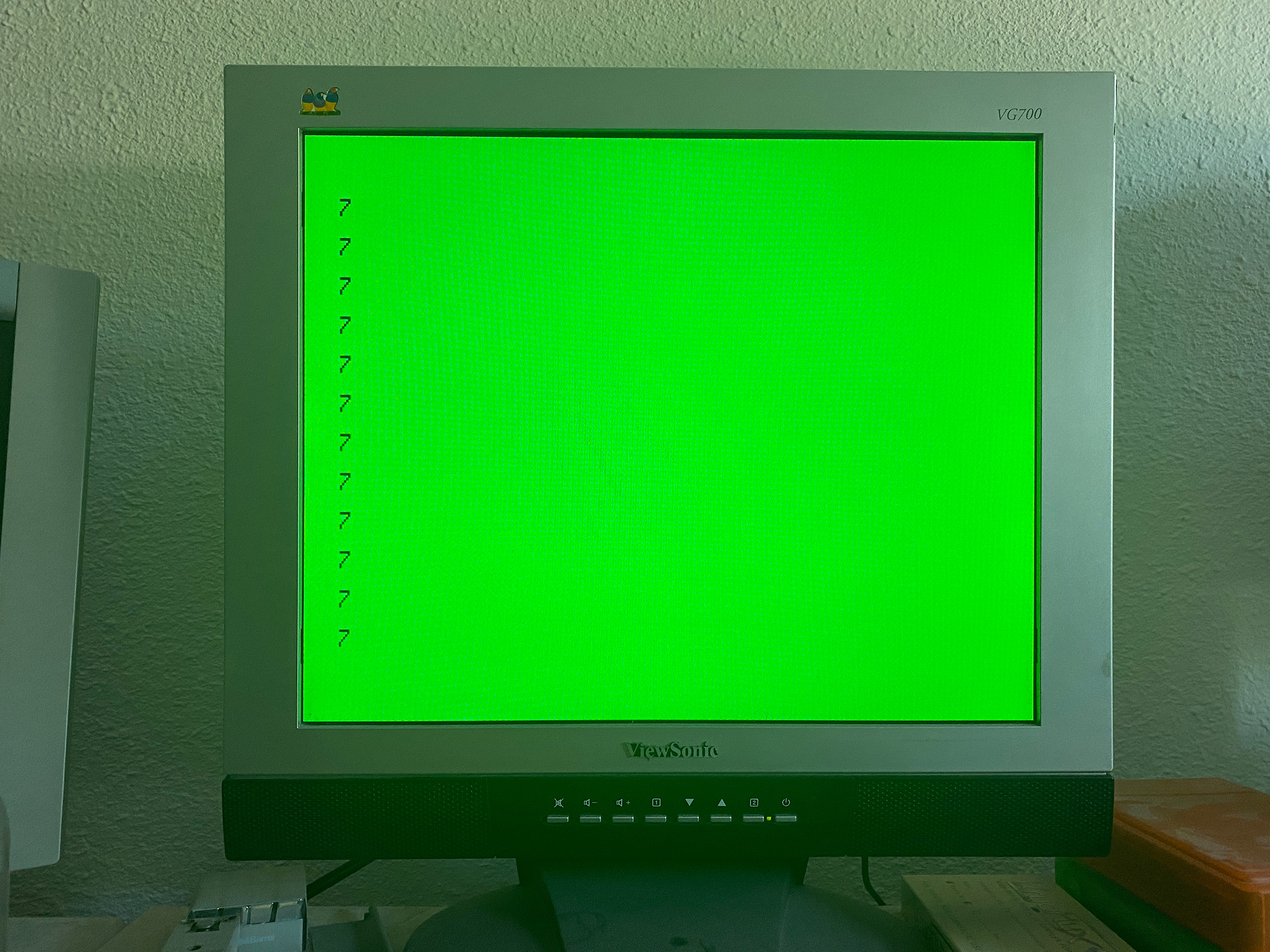
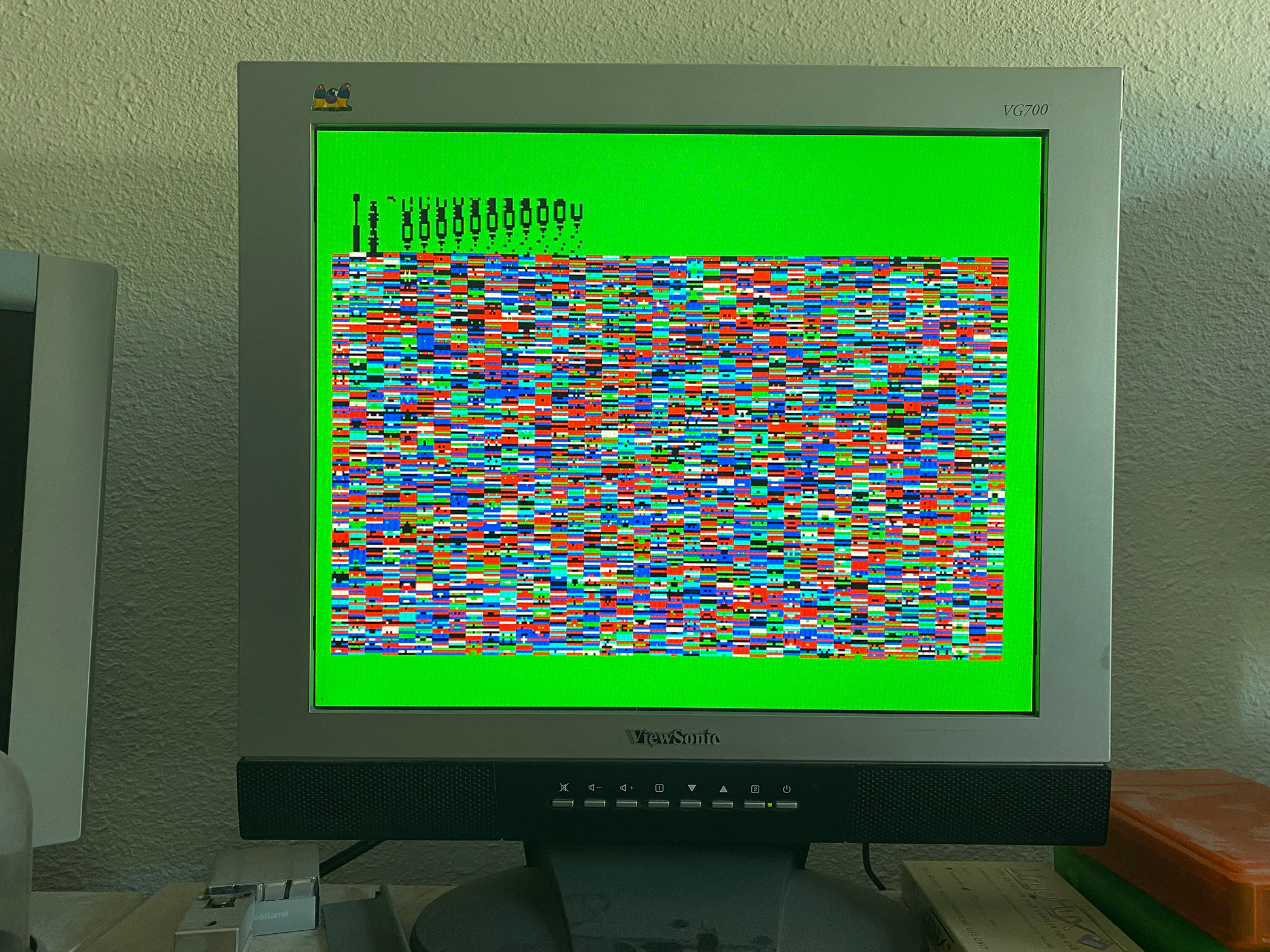
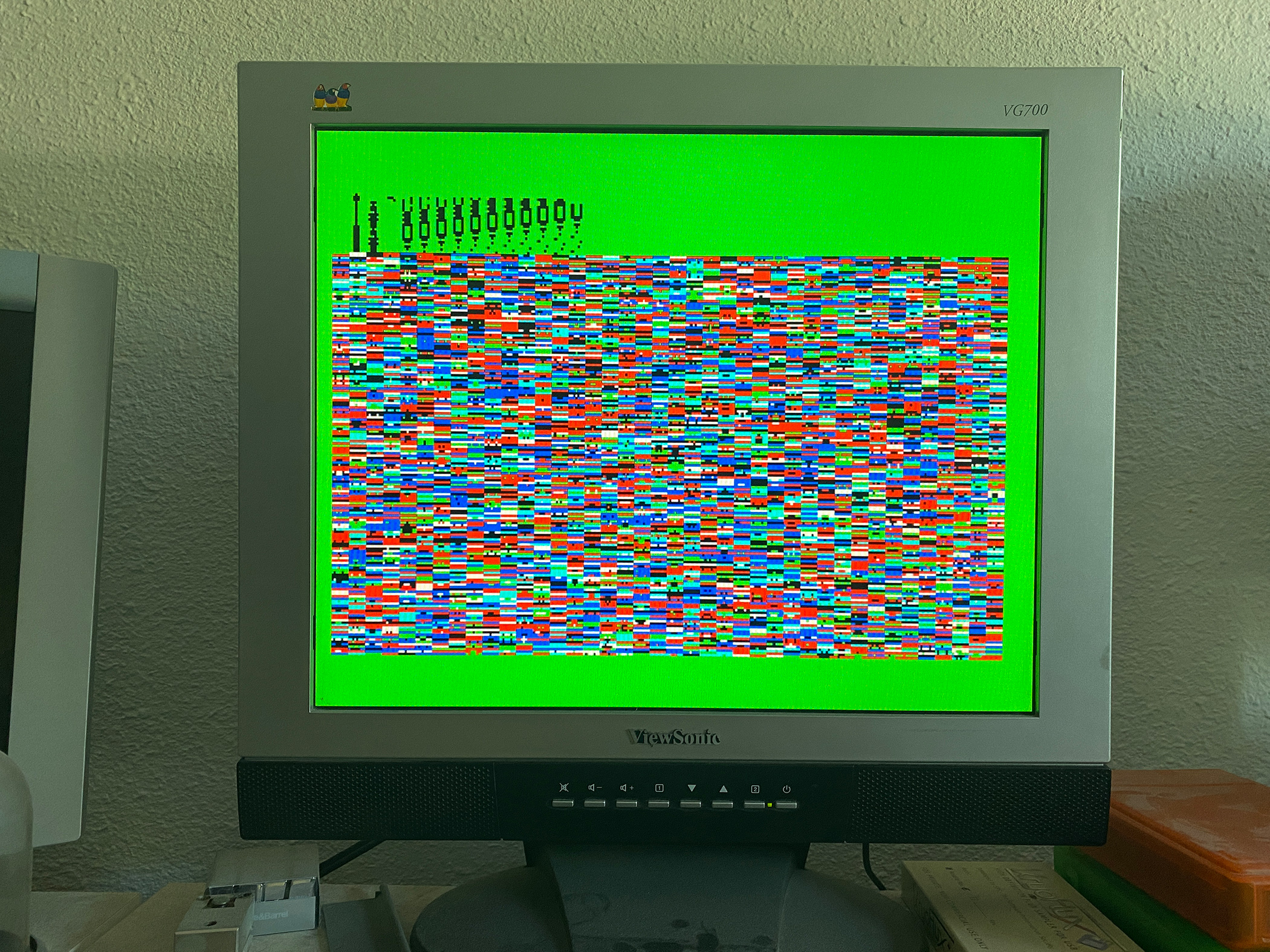
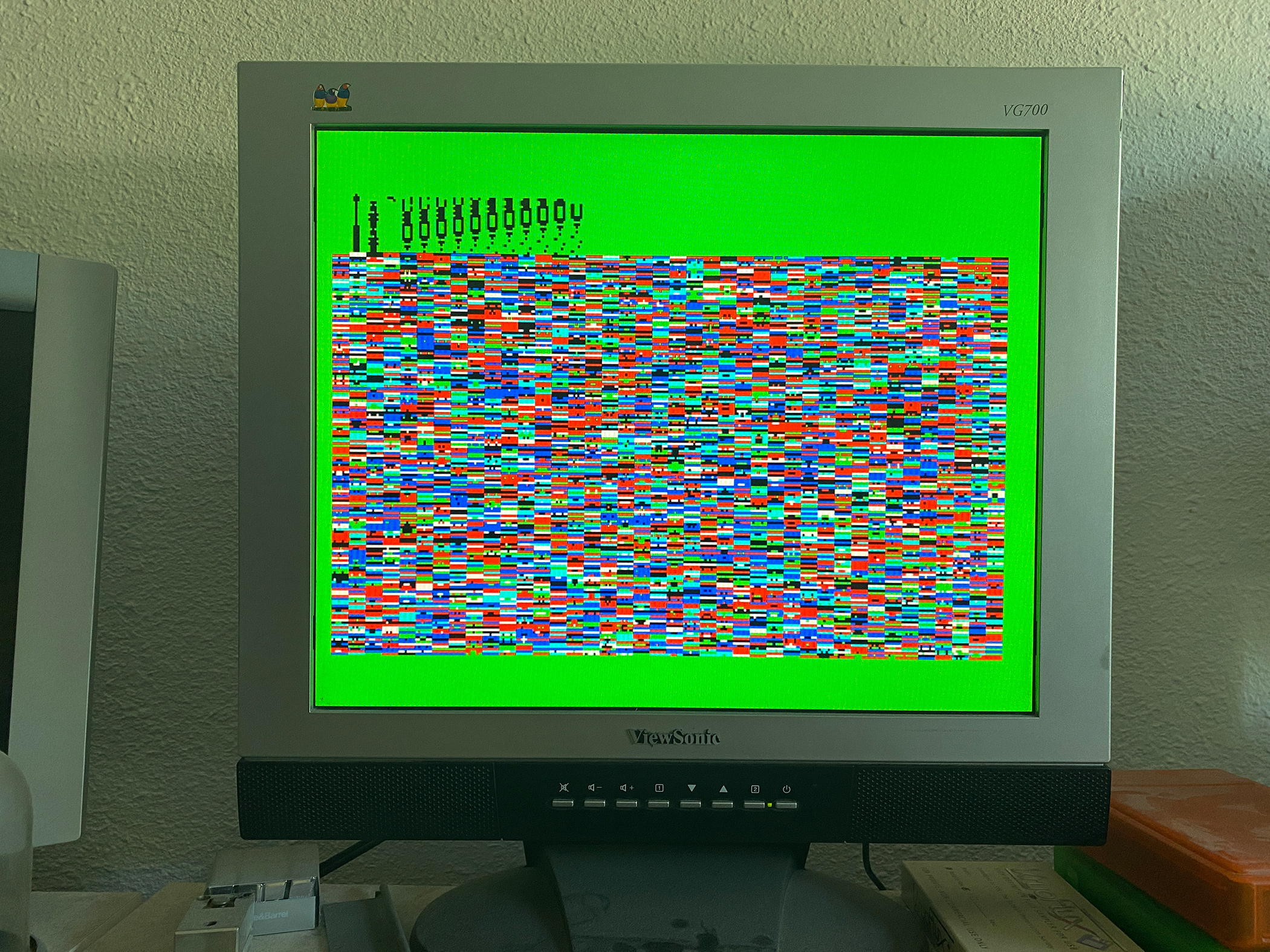
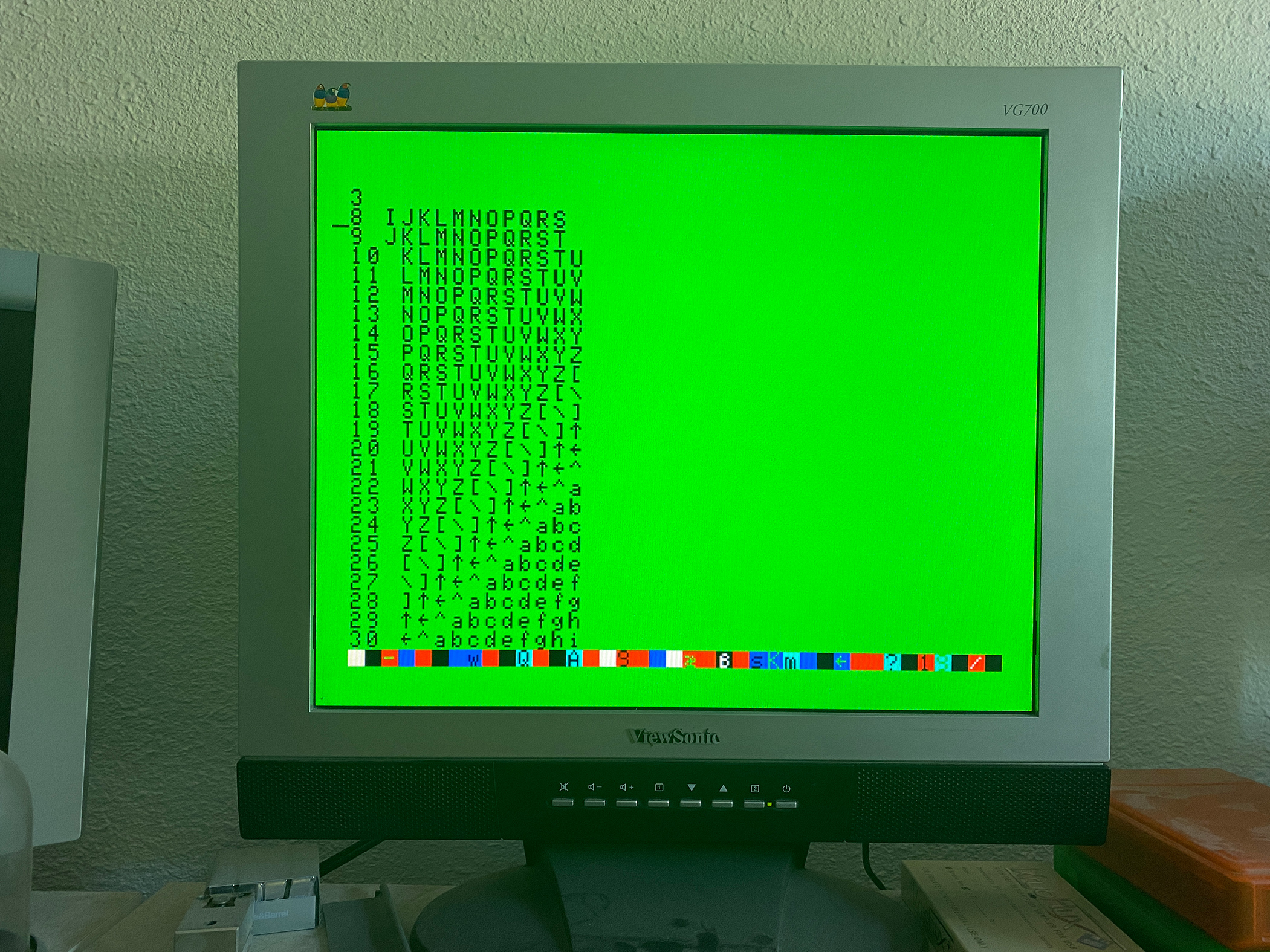
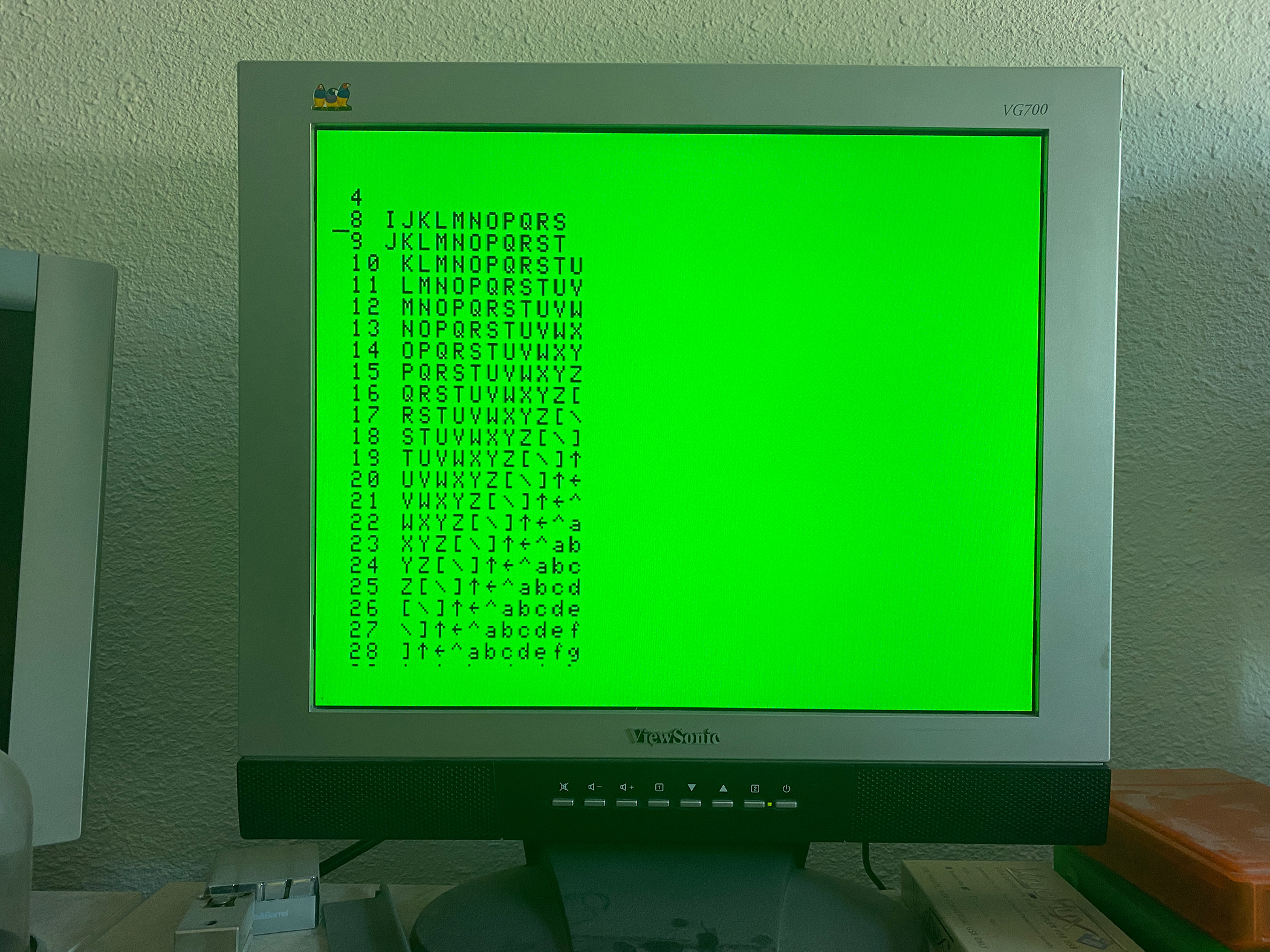
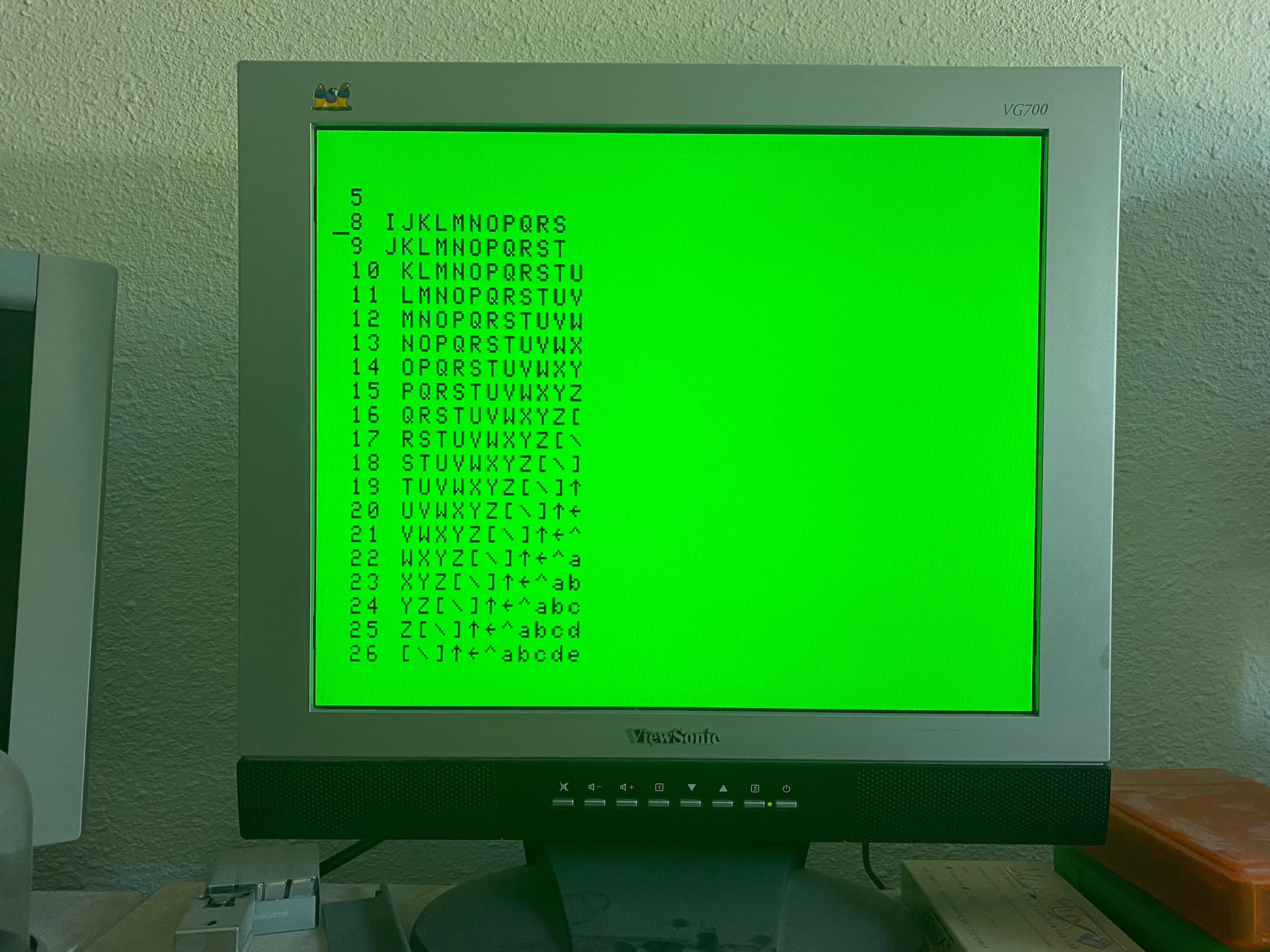
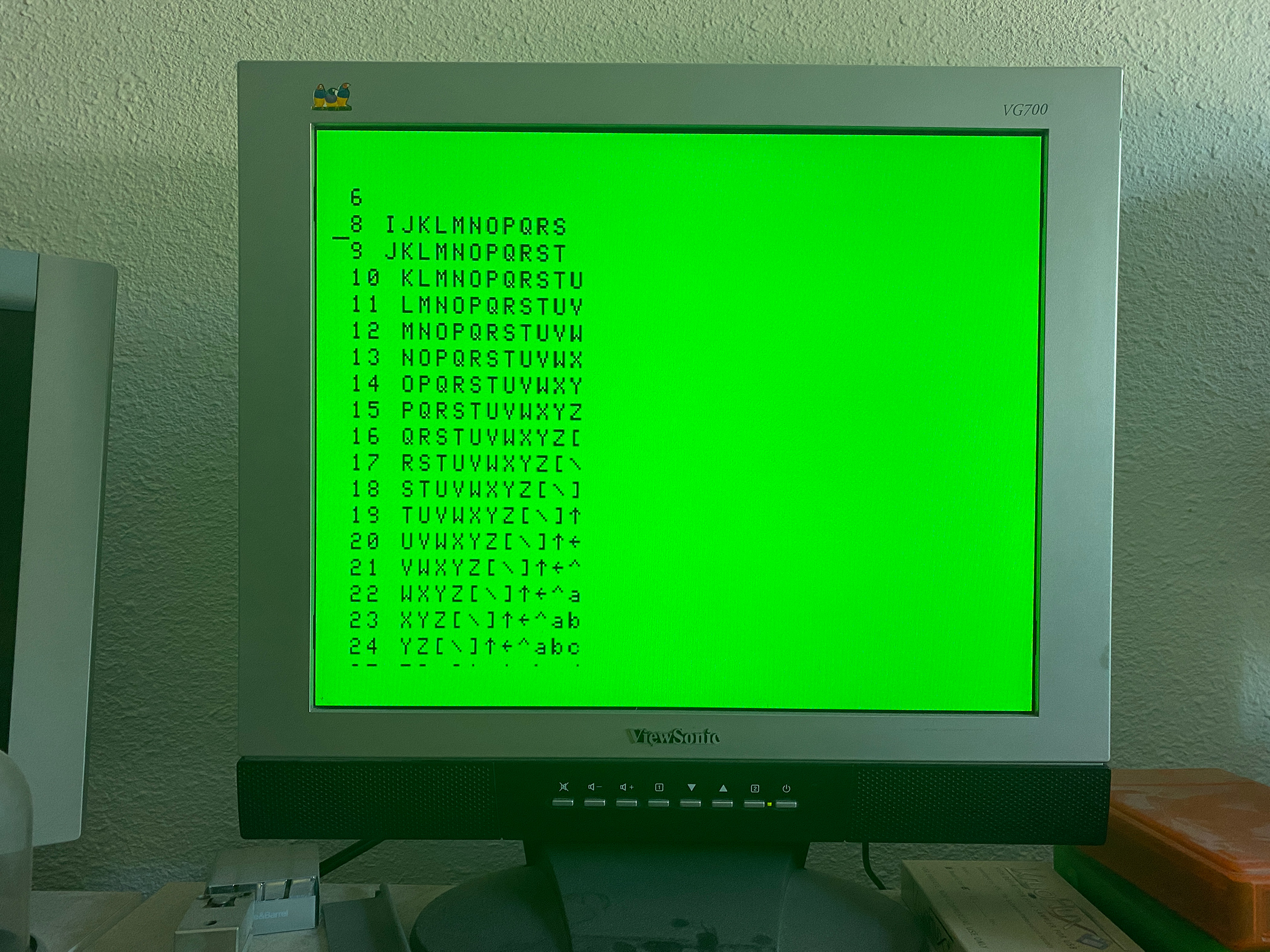
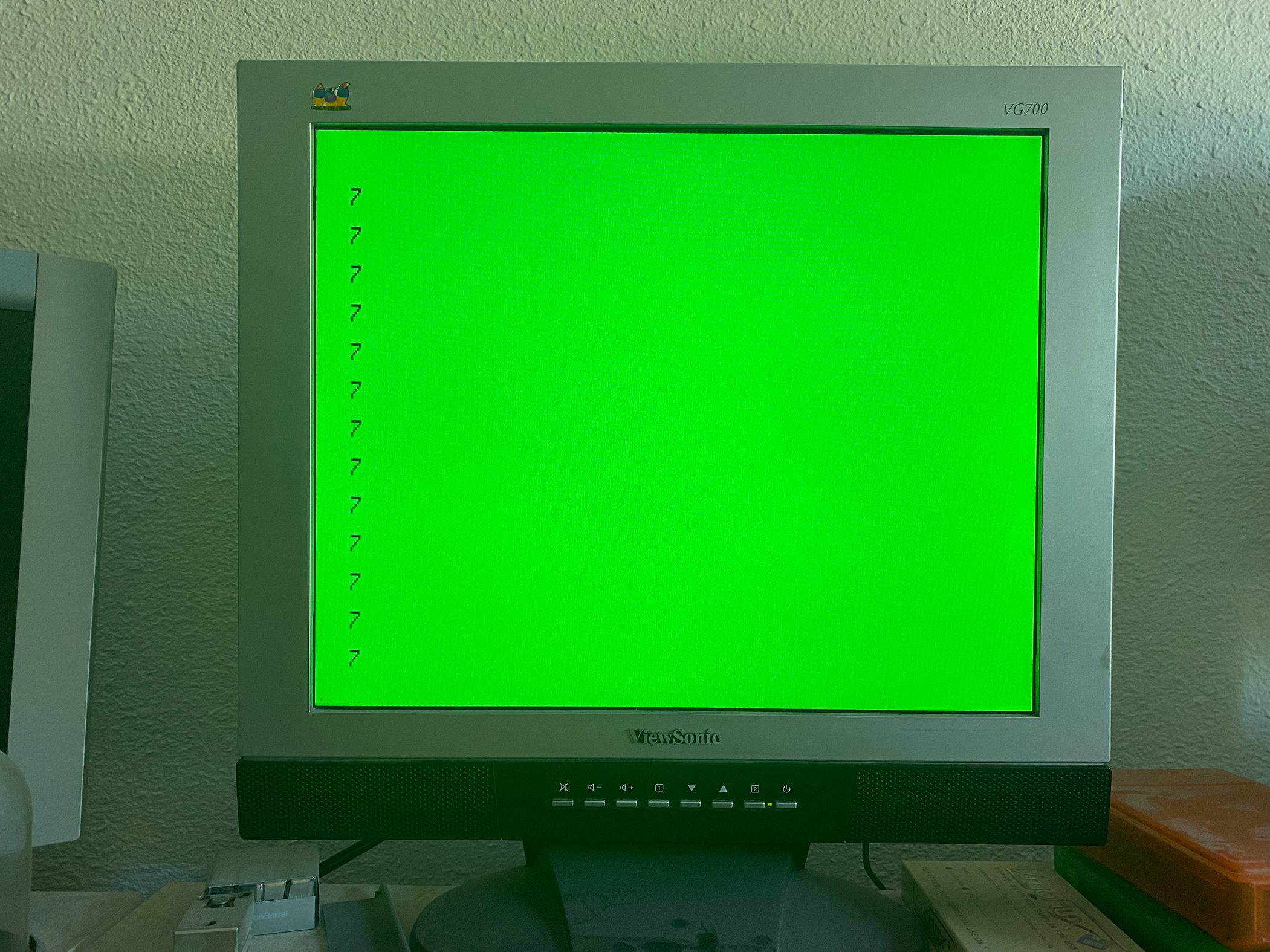
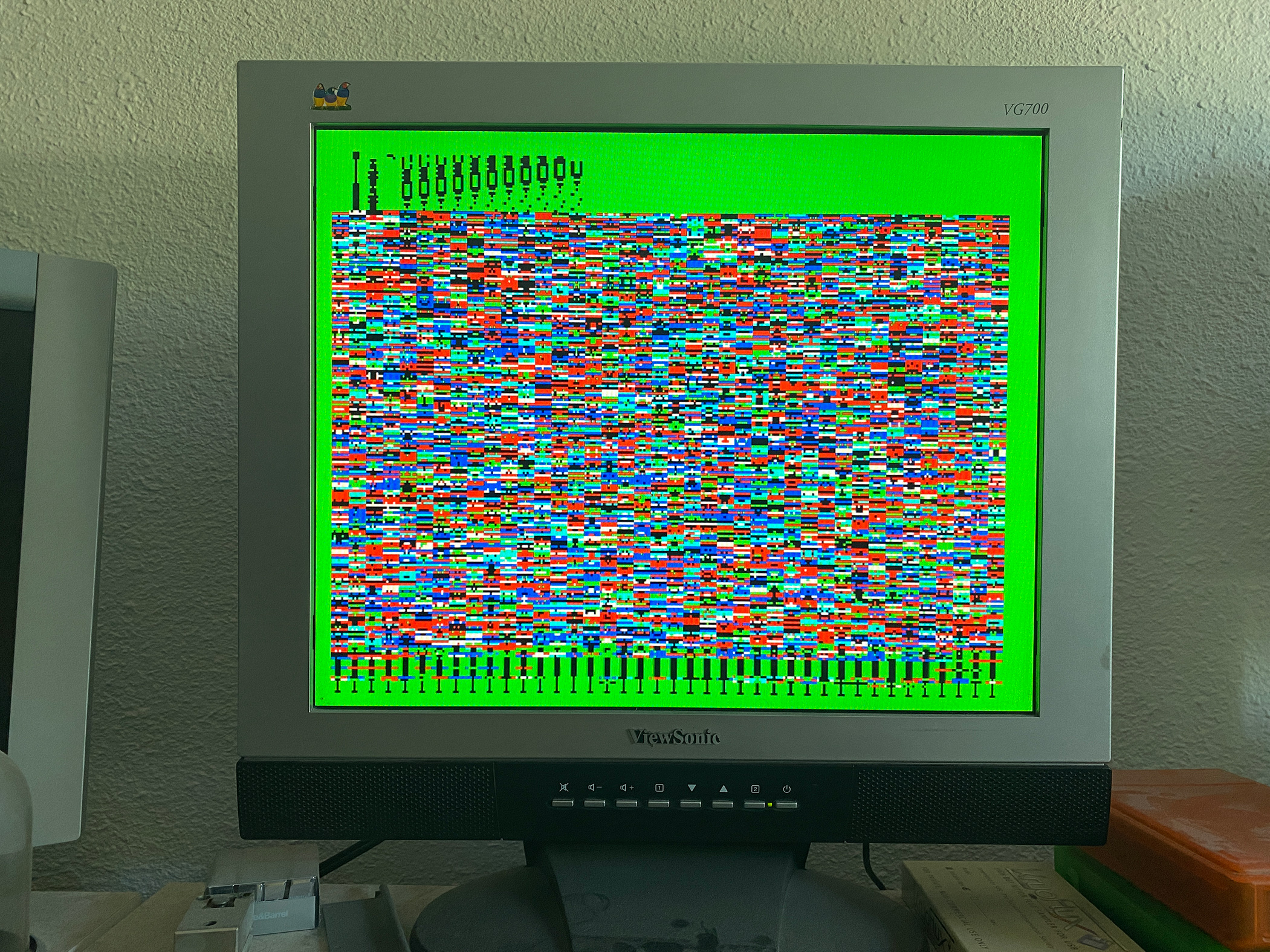
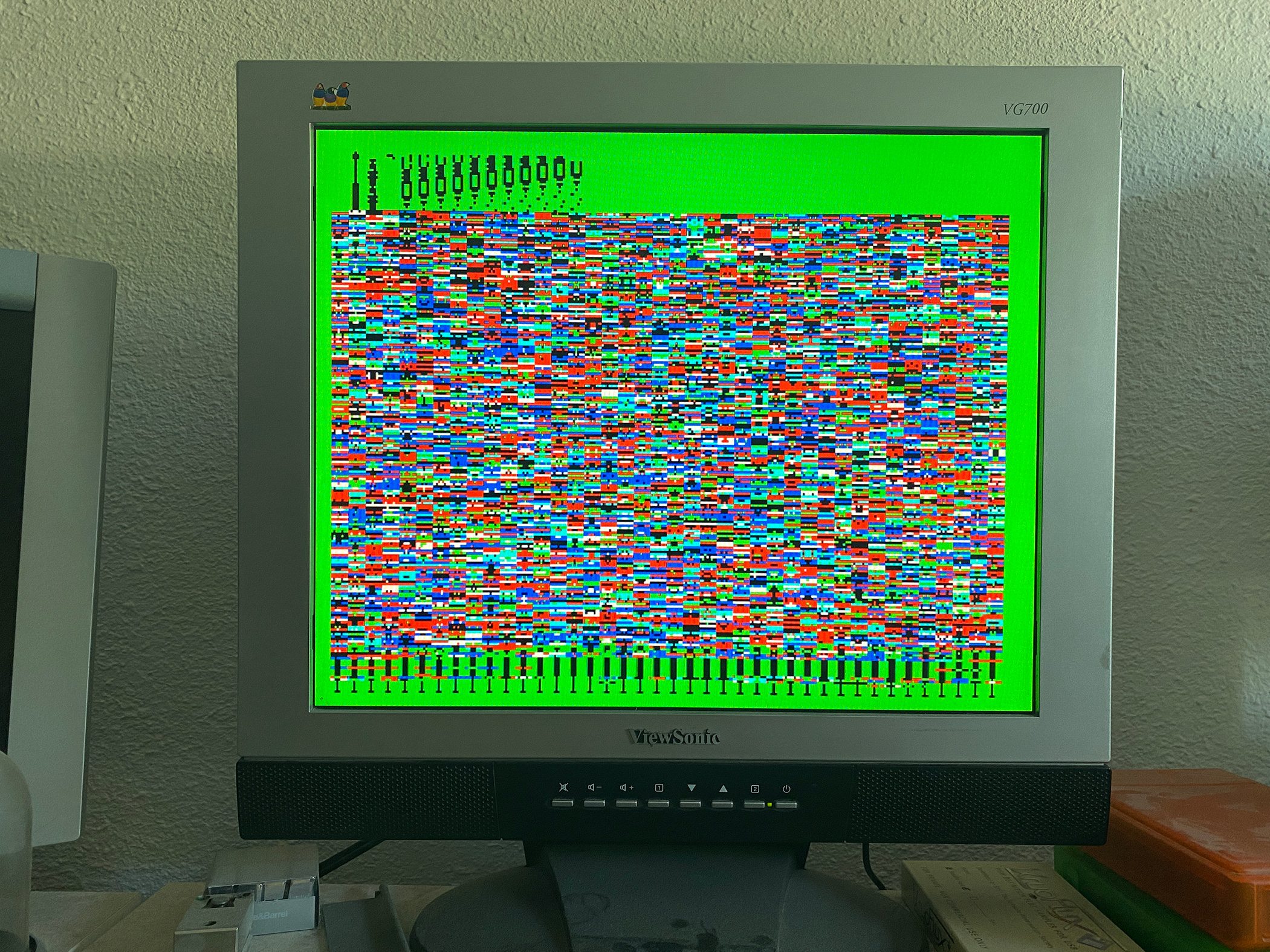
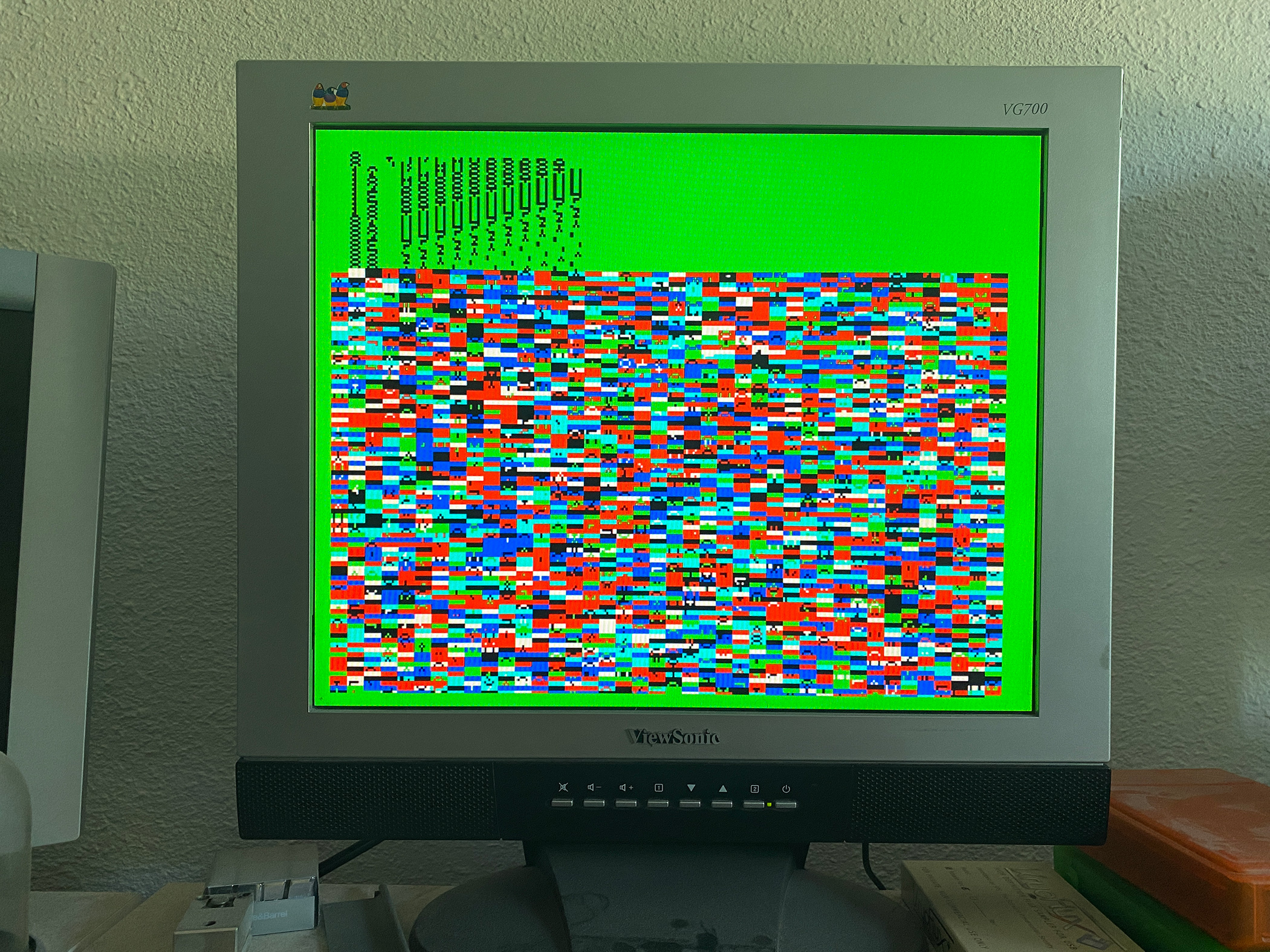
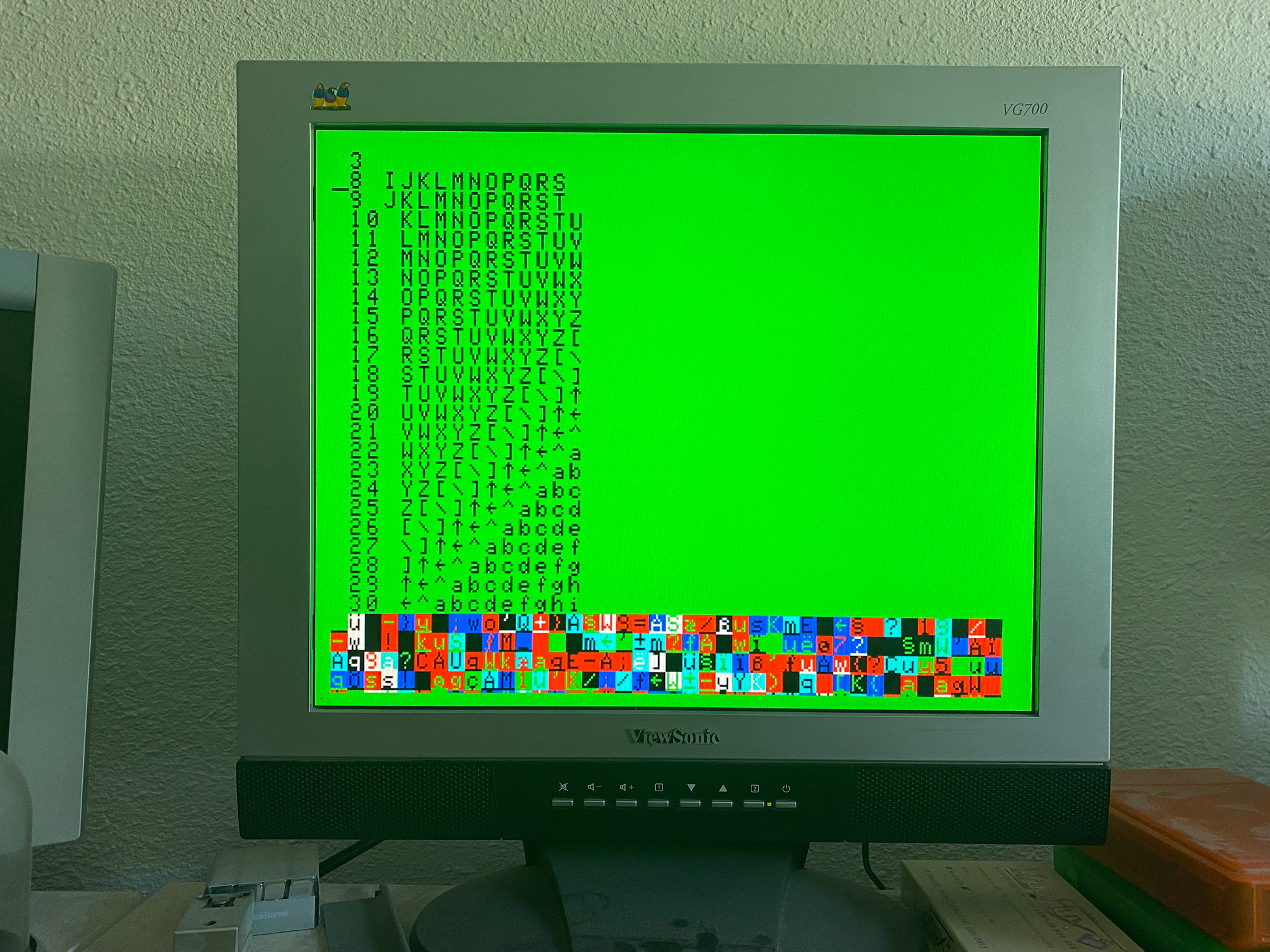
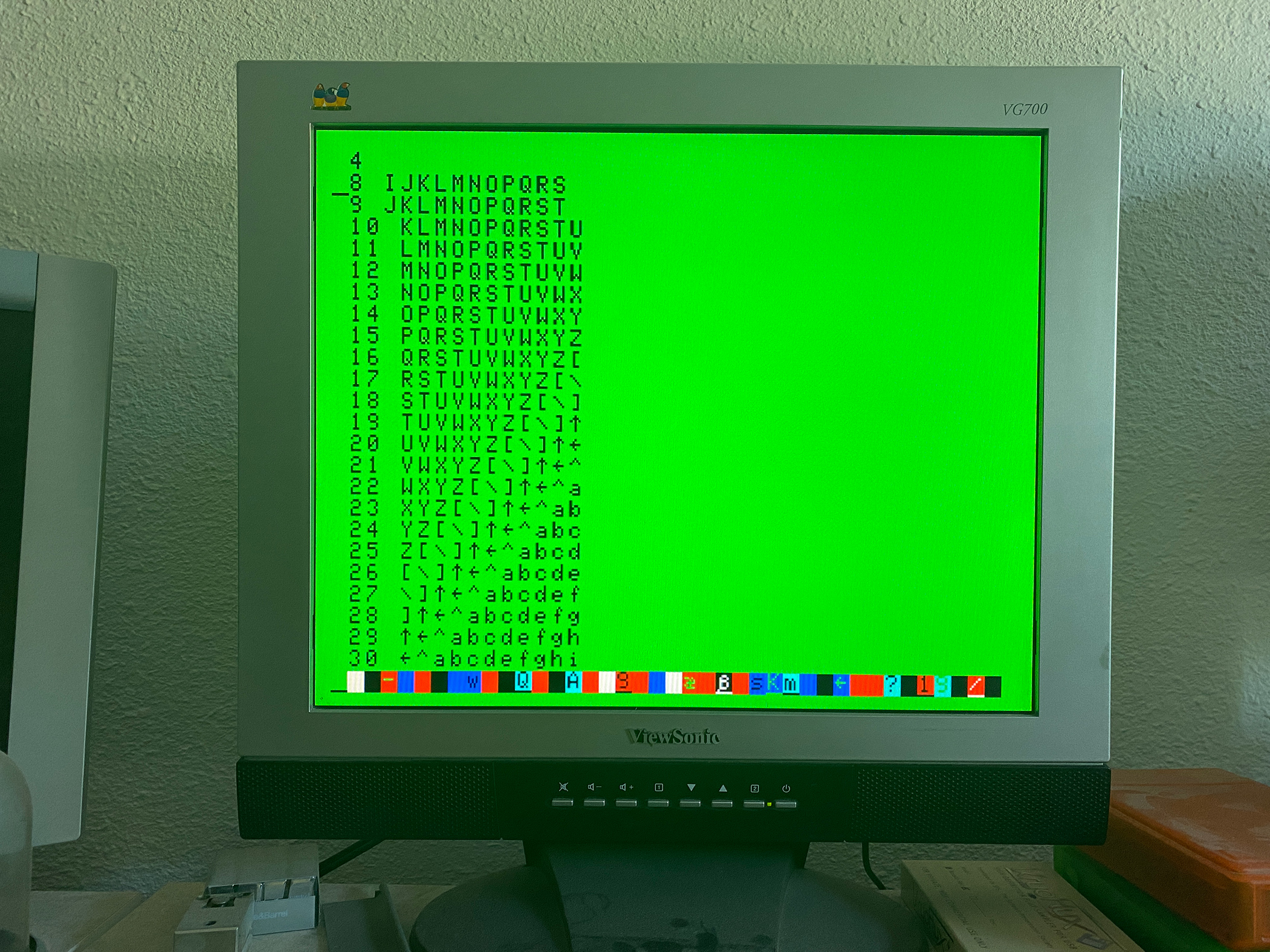
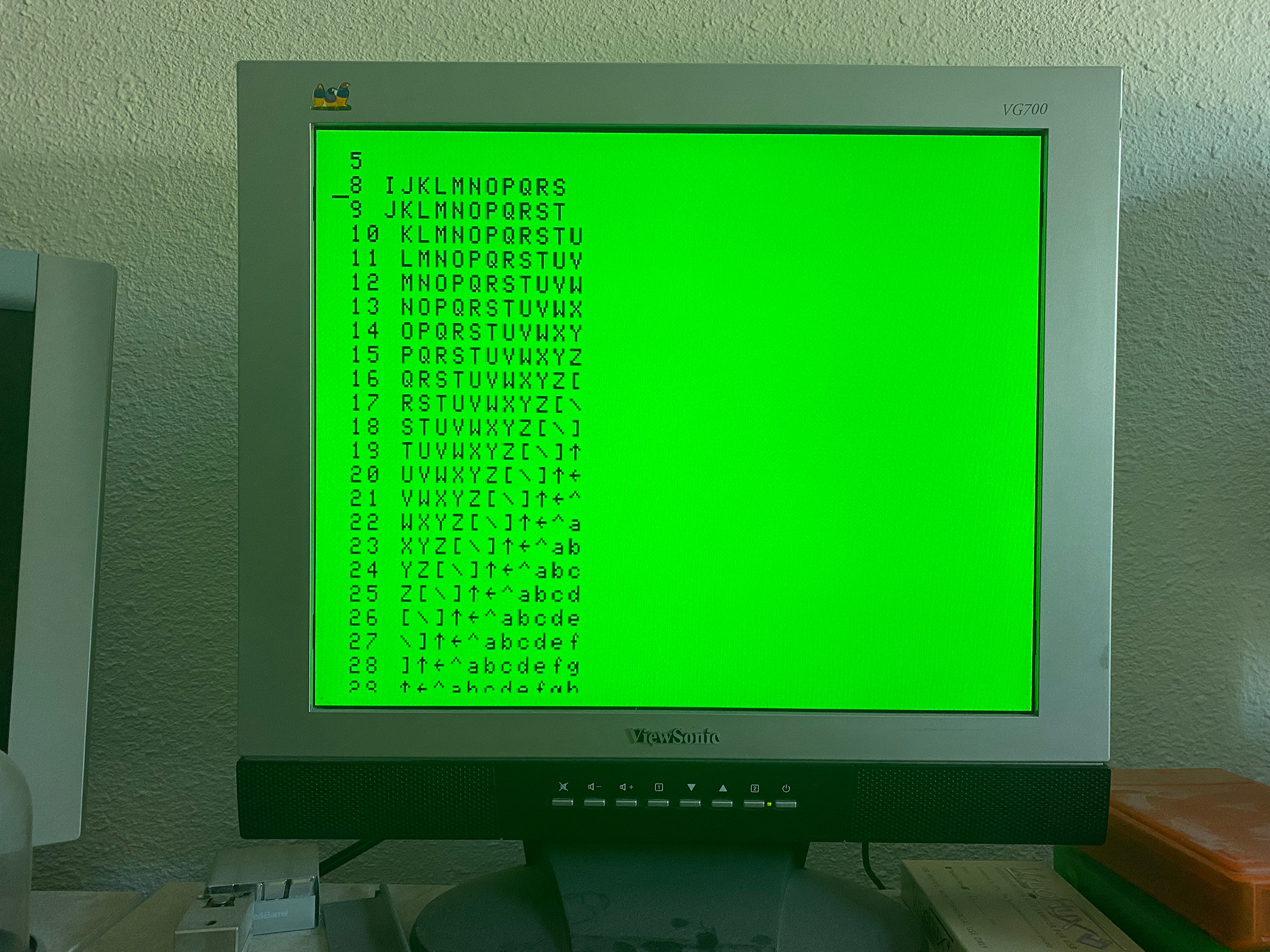
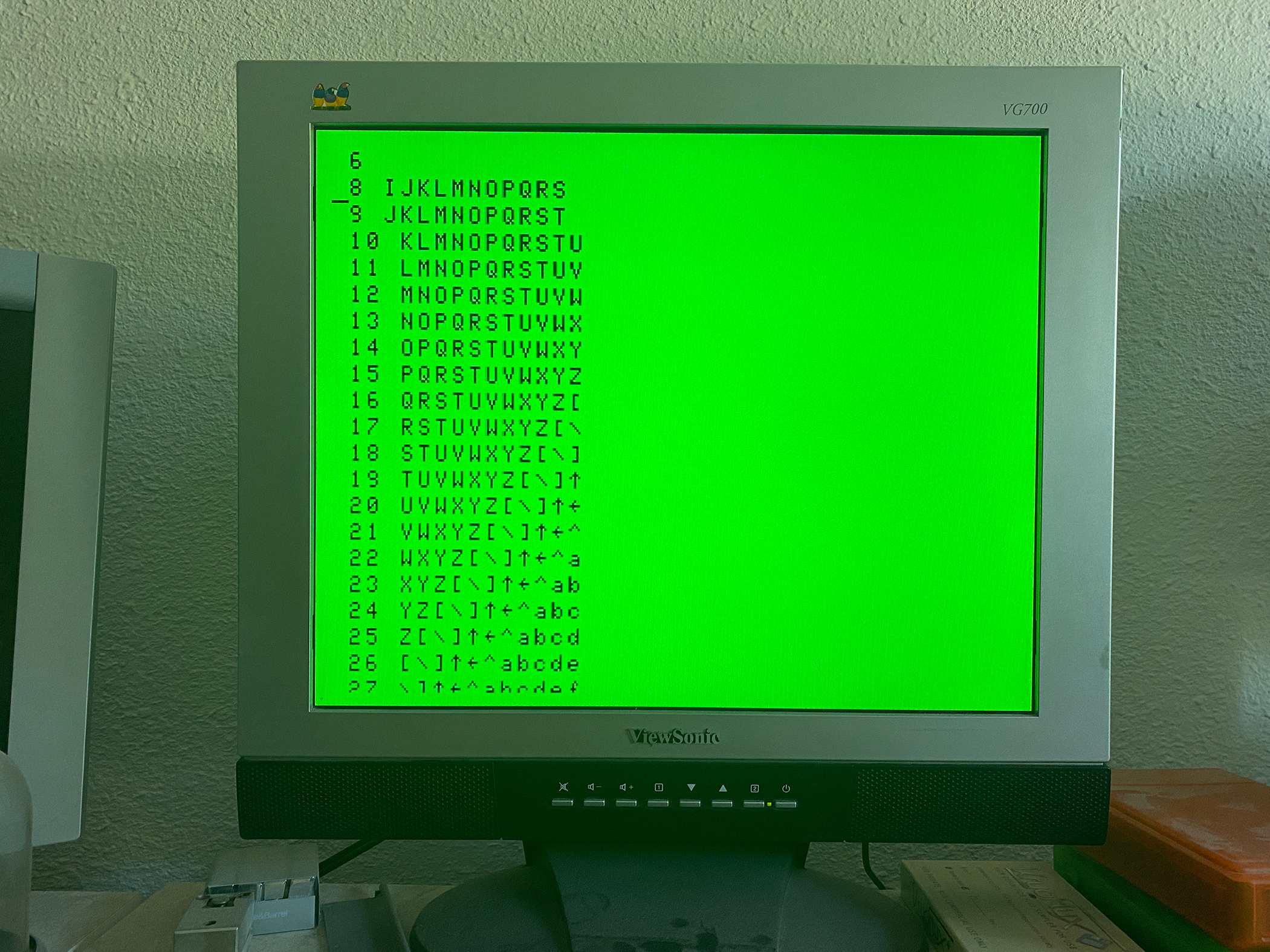
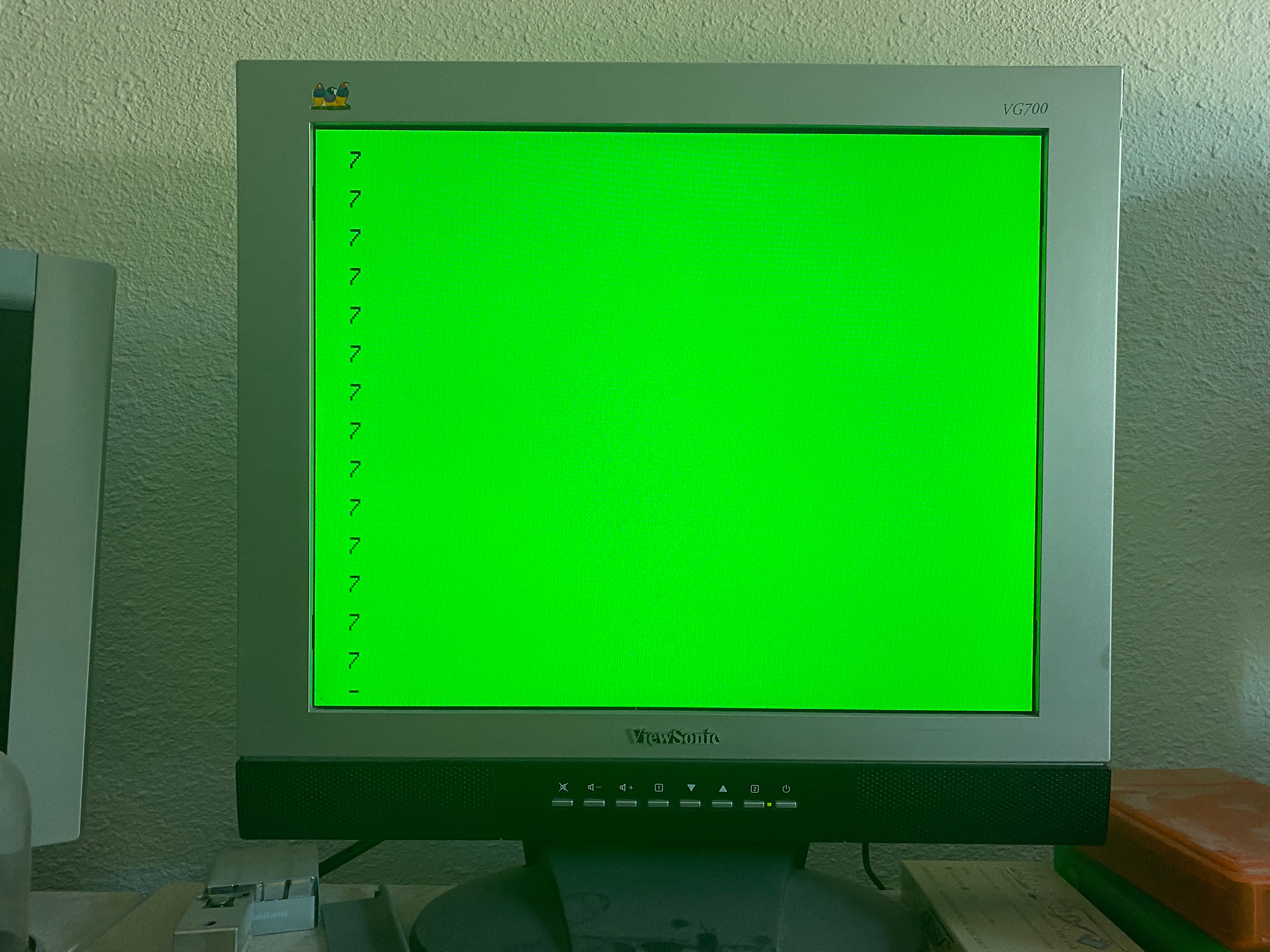
I decided to run thru the complete 40 column text mode options on a CoCo 3. Documented with pictures. Here is the program I used to create the display:
10 CLS
20 FOR X = 0 TO 30
30 PRINT
40 PRINT X;
50 FOR Z = 65 TO 75
60 PRINT CHR$(X+Z);
70 NEXT Z
80 NEXT X
90 FOR X + 0 TO 7
100 LOCATE 0,0:PRINT X
110 POKE &HFF98,X
120 A$=INKEY$:IF A$="" THEN 120
130 NEXT X
140 GOTO 90
Text Rows: 24 (VRES0: 0, VRES1: 0). Vertical Size: 1 scan line (LPR2: 0, LPR1: 0, LPR0: 0). Description: Uses the first row of every text cell for 192 rows. Text Rows: 24 (VRES0: 0, VRES1: 0). Vertical Size: 1 scan line (LPR2: 0, LPR1: 0, LPR0: 1). Description: Uses the first row of every text cell for 192 rows. Text Rows: 24 (VRES0: 0, VRES1: 0). Vertical Size: 2 scan lines (LPR2: 0, LPR1: 1, LPR0: 0). Description: Uses the first two rows of every text cell for 96 rows. Text Rows: 24 (VRES0: 0, VRES1: 0). Vertical Size: 8 scan lines per text cell (LPR2: 0, LPR1: 1, LPR0: 1). Description: 24 rows of text. Text Rows: 24 (VRES0: 0, VRES1: 0). Vertical Size: 9 scan lines per text cel (LPR2: 1, LPR1: 0, LPR0: 0). Description: 21.3 rows of text Text Rows: 24 (VRES0: 0, VRES1: 0). Vertical Size: 10 scan lines per text cell (LPR2: 1, LPR1: 0, LPR0: 1). Description: 19.3 rows of text Text Rows: 24 (VRES0: 0, VRES1: 0). Vertical Size: 11 scan lines per text cell (LPR2: 1, LPR1: 1, LPR0: 0). Description: 17.5 rows of text Text Rows: 24 (VRES0: 0, VRES1: 0). Vertical Size: 16 scan lines per text cell (LPR2: 1, LPR1: 1, LPR0: 1). Description: 12 rows of text. First row repeated.
Text Rows: 25 (VRES0: 0, VRES1: 1). Vertical Size: 1 scan line (LPR2: 0, LPR1: 0, LPR0: 0). Description: Uses the first row of every text cell for 200 rows. Text Rows: 25 (VRES0: 0, VRES1: 1). Vertical Size: 1 scan line (LPR2: 0, LPR1: 0, LPR0: 1). Description: Uses the first row of every text cell for 200 rows. Text Rows: 25 (VRES0: 0, VRES1: 1). Vertical Size: 2 scan lines (LPR2: 0, LPR1: 1, LPR0: 0). Description: Uses the first two rows of every text cell for 100 rows. Text Rows: 25 (VRES0: 0, VRES1: 1). Vertical Size: 8 scan lines per text cell (LPR2: 0, LPR1: 1, LPR0: 1). Description: 25 rows of text. Text Rows: 25 (VRES0: 0, VRES1: 1). Vertical Size: 9 scan lines per text cel (LPR2: 1, LPR1: 0, LPR0: 0). Description: 21.3 rows of text Text Rows: 25 (VRES0: 0, VRES1: 1). Vertical Size: 10 scan lines per text cell (LPR2: 1, LPR1: 0, LPR0: 1). Description: 20 rows of text Text Rows: 25 (VRES0: 0, VRES1: 1). Vertical Size: 11 scan lines per text cell (LPR2: 1, LPR1: 1, LPR0: 0). Description: 18 (and one scan line) rows of textText Rows: 25 (VRES0: 0, VRES1: 1). Vertical Size: 16 scan lines per text cell (LPR2: 1, LPR1: 1, LPR0: 1). Description: 13 rows of text
Text Rows: 28 (VRES0: 1, VRES1: 1). Vertical Size: 1 scan line (LPR2: 0, LPR1: 0, LPR0: 0). Description: Uses the first row of every text cell for 224 rows. Text Rows: 28 (VRES0: 1, VRES1: 1). Vertical Size: 1 scan line (LPR2: 0, LPR1: 0, LPR0: 1). Description: Uses the first row of every text cell for 224 rows. Text Rows: 28 (VRES0: 1, VRES1: 1). Vertical Size: 2 scan lines (LPR2: 0, LPR1: 1, LPR0: 0). Description: Uses the first two rows of every text cell for 112 rows. Text Rows: 28 (VRES0: 1, VRES1: 1). Vertical Size: 8 scan lines per text cell (LPR2: 0, LPR1: 1, LPR0: 1). Description: 28 rows of text. Text Rows: 28 (VRES0: 1, VRES1: 1). Vertical Size: 9 scan lines per text cel (LPR2: 1, LPR1: 0, LPR0: 0). Description: 25 rows of text Text Rows: 28 (VRES0: 1, VRES1: 1). Vertical Size: 10 scan lines per text cell (LPR2: 1, LPR1: 0, LPR0: 1). Description: 22.5 rows of text Text Rows: 28 (VRES0: 1, VRES1: 1). Vertical Size: 11 scan lines per text cell (LPR2: 1, LPR1: 1, LPR0: 0). Description: 21.5 (and one scan line) rows of textText Rows: 28 (VRES0: 1, VRES1: 1). Vertical Size: 16 scan lines per text cell (LPR2: 1, LPR1: 1, LPR0: 1). Description: 14 (plus one scan line) rows of text
I recently ran into a problem while processing a large batch of OCR text files. The workflow was simple: scanned PDFs → OCR → text files → BBEdit search. The OCR output was fine structurally, with one line per paragraph, but reading it in BBEdit…
I was recently informed of some inaccuracies with the various VDG text screens emulated in MAME. I also recently acquired an RGB2HDMI. This device is a very configurable retro computer video to HDMI device. One nice feature it has is to write the frame buffer…
The Color Disk EDTASM assembler has the option of writing a symbol table to the end of binaries it produces. You enable the feature by including the /WS switch during assembly to disk. The symbol table can be used by the stand alone ZBUG debugger.